You may encounter an issue when importing a solution into a one or more Dynamics CRM 2013 organizations across a single deployment. This is where the error generated in the CRM Front End Application Event Log indicates that there is not enough disk space, but you have plenty of room on the hard drive to save your solution.
CRM Exception: Message: An unexpected error occurred., ErrorCode: -2147220970, InnerException: System.IO.IOException: There is not enough space on the disk.
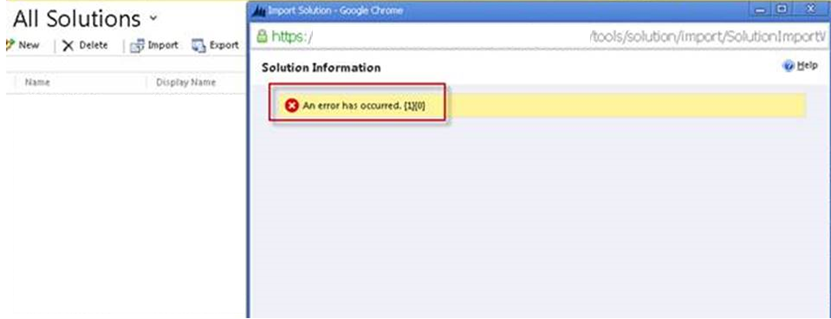
The actual error message reads “An error has occurred. {1}{0}”.
Check the CRM folder location: SystemDrive:\Program Files\Microsoft Dynamics CRM\CustomizationImport
This is used to process data imports. Simply archiving/deleting the contents of this folder location should resolve the issue. You may also want to implement a maintenance script to remove the contents of this folder on a regular basis, to prevent the issue from recurring.
Hopefully this will save you some headache if you encounter this error. Remember to subscribe to our Dynamics CRM blog as we are constantly adding new content, and if you ever need CRM assistance, our support team is always here to help!
Happy CRM’ing!
The post Dynamics CRM Error: Importing Solutions – An Error has Occurred {1}{0} appeared first on PowerObjects.